10up Block Based Themes Training
Overview
This training course will walk you through the building of a block-based WordPress theme. By the end, you'll have transformed the 10up Block Theme into a fully functional movie database theme, complete with custom post types, block bindings, editor controls, and interactive blocks.
If you're new to blocks entirely, we recommend starting with our Building Blocks training course first.
Prerequisites
- Node.js (>=20) and npm (>=9)
- PHP (>=8.3)
- Composer (>=2)
- MySQL (8+)
- Git
- A code editor
- Basic familiarity with the command line
Getting started
1. Create a LocalWP site
You can certainly do this course using your development environment of choice, but we recommend LocalWP and have outlined the steps necessary to get started with it below.
- Create a site
- Create a new site
- What's your site's name?
Block Based Theme Training
Advanced options > Local site domain:block-based-theme-training.local- Choose your environment
- Custom
PHP version:8.3.x
Web server:nginx
Database:MYSQL 8+ - Set up WordPress
- Username:
admin
Password:password
Email:[email protected]
Is this a WordPress Multisite?No(open Advanced Options to reveal this)
2. Open the Site Shell and clone the repository
From the LocalWP dashboard screen for your site, select Site Shell. Every command in the rest of this section runs from that shell.
Clone the repo into wp-content and install dependencies:
rm -rf wp-content

git clone [email protected]:10up/block-based-theme-training.git wp-content

cd wp-content

nvm use && npm install && npm run build

composer install
composer install --working-dir=mu-plugins/10up-plugin
composer install --working-dir=themes/10up-block-theme
composer install --working-dir=themes/fueled-movies
Going forward, please work from the wp-content folder when executing commands such as npm run build. The course will later provide additional instructions under the assumption your terminal is in that directory.
3. Activate the theme and set debug constants
Still in the Site Shell:
wp theme activate 10up-block-theme

wp config set WP_DEBUG true --raw
wp config set WP_DEBUG_LOG true --raw
wp config set WP_DEBUG_DISPLAY false --raw
wp config set SCRIPT_DEBUG true --raw
wp config set WP_DEVELOPMENT_MODE all
If you get stuck at any point, you can activate the Fueled Movies theme to see the finished product: wp theme activate fueled-movies. Switch back with wp theme activate 10up-block-theme (or swap in the WP admin under Appearance > Themes).
Content Import
Import the sample movie and person content, 30 films and approximately 90 people (roughly 3 cast members per movie):
wp fueled-movies import
This import fetches data from IMDB one movie at a time and can take several minutes to complete. Kick it off and feel free to jump into Lesson 1: Anatomy of a Block Based Theme while it runs. When it completes, you can then come back here to confirm the screenshots below with your local.
What you should see
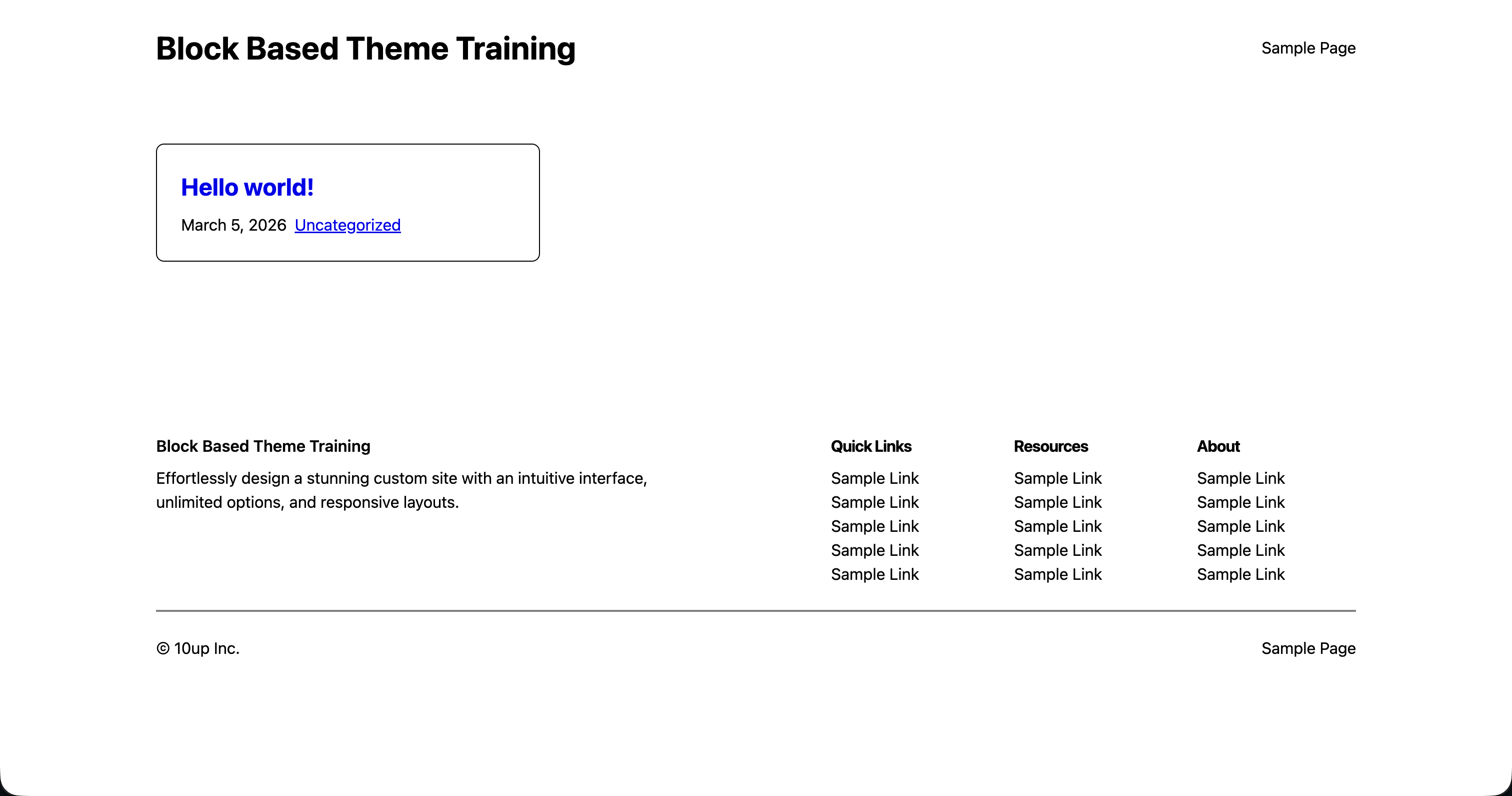
Visit the frontend at block-based-theme-training.local, you should see the following.
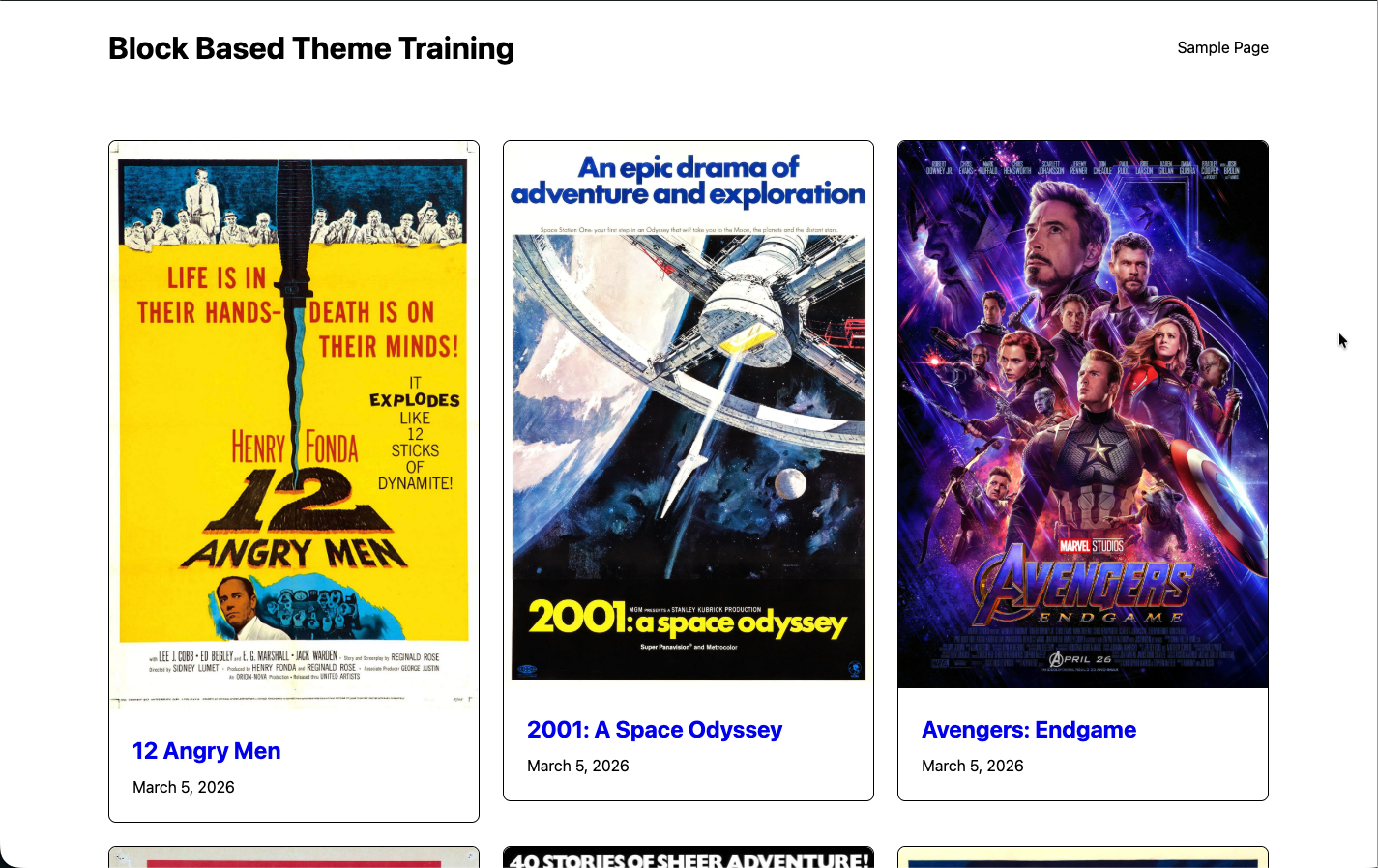
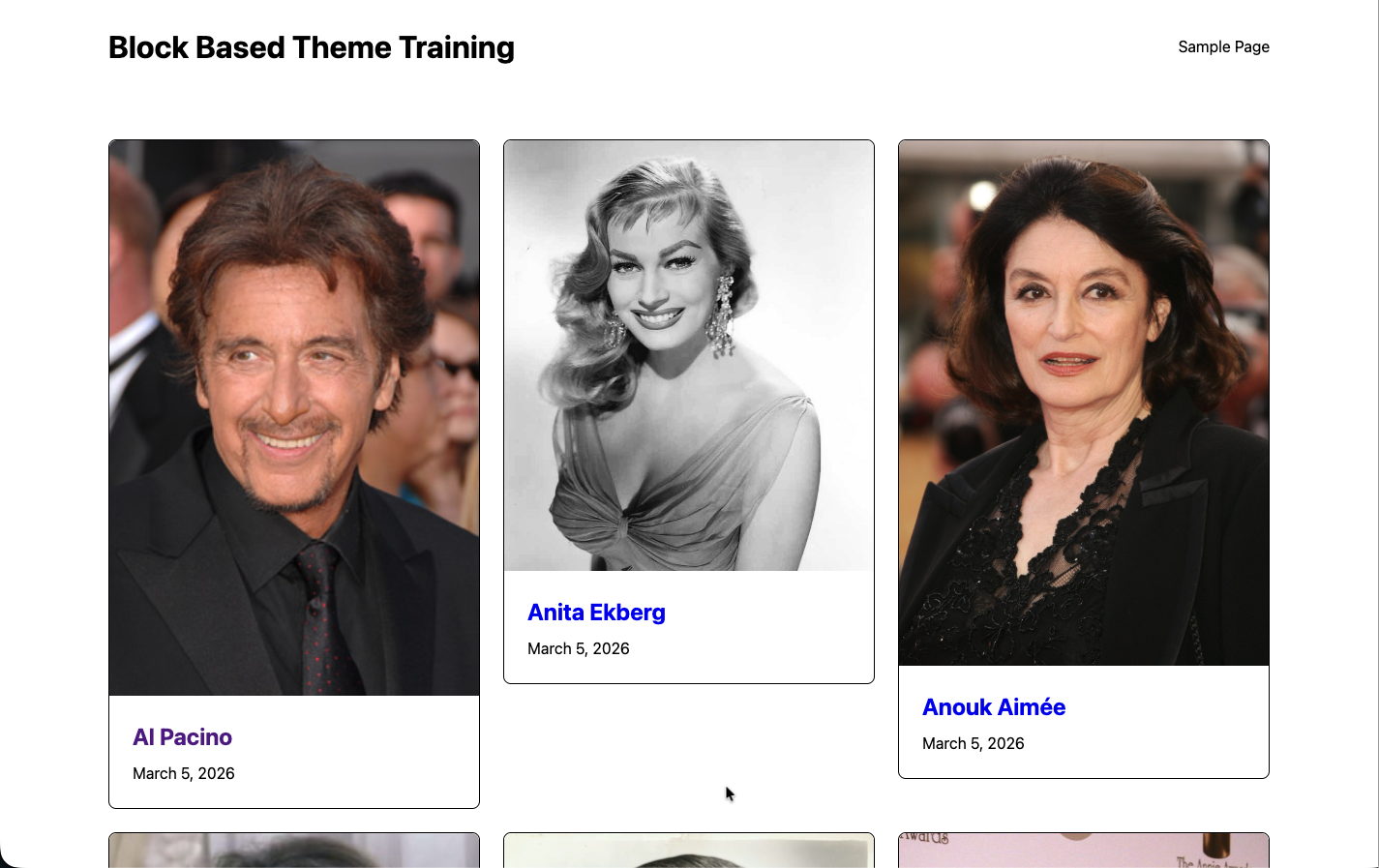
To ensure our content has imported, visit block-based-theme-training.local/movies and block-based-theme-training.local/people.
Lessons
- Anatomy of a Block Based Theme
- Orientation: The 10up Block Theme
- The Site Editor
- theme.json: Design Tokens and Settings
- Styles: CSS Architecture and Style Variations
- Render Filters and Block Styles
- Understanding the Content Model
- Editor Controls for Post Meta
- Archive Templates and the Card Pattern
- Block Bindings and Single Templates
- Block Extensions: Extending Core Blocks
- Custom Blocks: Description Lists and Movie Runtime
- Interactivity API: Rate a Movie
Support
If you run into issues with this training project, feel free to reach out in Slack to #10up-gutenberg. We also welcome bug reports, suggestions and contributions via the Issues & Discussions tab on GitHub.